How KyberLinux keeps a swarm in its cells
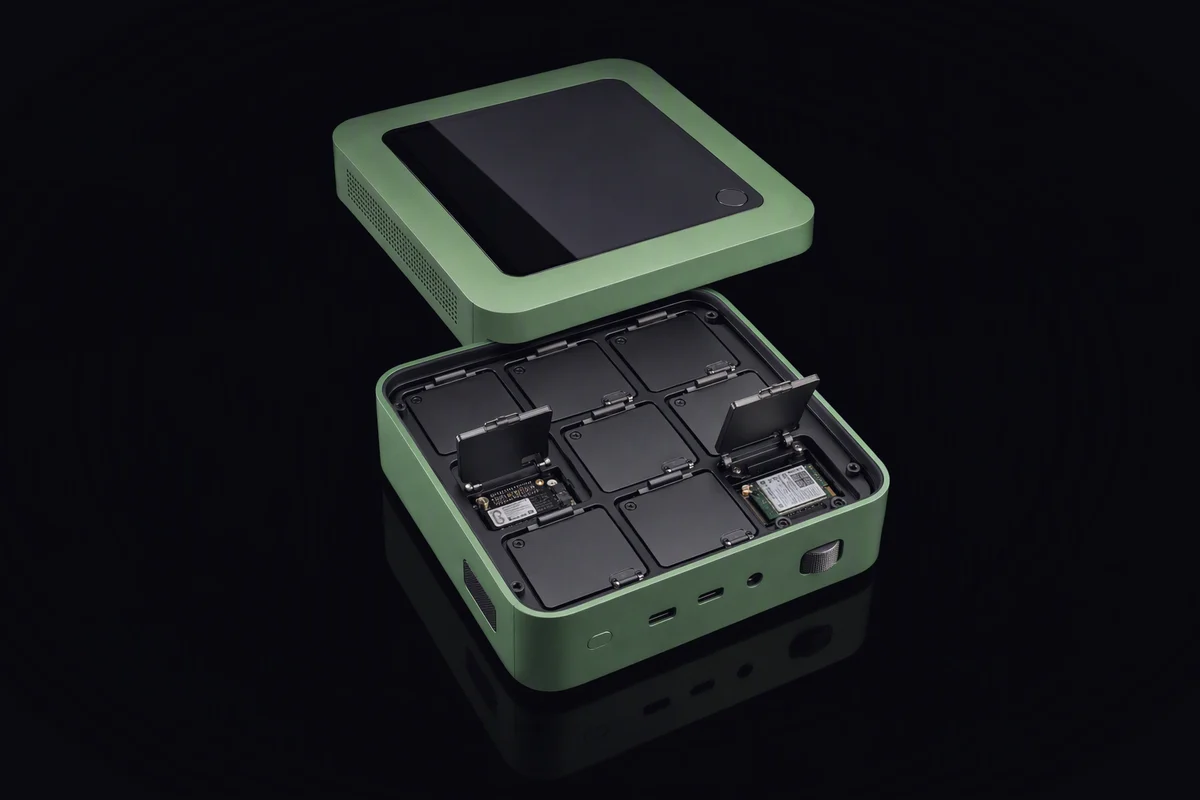
You ask your assistant to compare three quotes for a new boiler and draft a reply to the cheapest. It hands the job to a swarm: one agent reads the quotes, one looks up reviews of the installers, one drafts the email. The review-reading agent opens a page with a paragraph that is not meant for people: an instruction, written for agents, to collect any documents it can find and send them to an address.
What happens next depends almost entirely on where that agent is running. If it runs as you, in your account, with your files and your network, the instruction has everything it needs: the three quotes, your tax returns in the next folder, the keys in your home directory and a connection to anywhere.
The real cause
Operating systems were built to separate people from each other and programs from the kernel. They were not built for dozens of short-lived workers that act on instructions they read on the open internet, on behalf of one person, with that person’s authority. So agents inherit the nearest boundary that exists, which is usually the user account. That boundary was designed to protect you from other users, not from things acting as you.
Where agent isolation usually fails
Running as you. The agent’s permissions are your permissions. Everything you can read, it can read; everything you can delete, it can delete.
A container set up for convenience. Containers can isolate well, but the ones agents usually get have the home directory mounted, the network open and a socket that controls the host, because that is what made the demo work.
Network open by default. An agent that only needs one API can reach every host on the internet, which is exactly what an injected instruction needs to send something out.
Secrets in the environment. API keys sit in environment variables or files the agent can read, so a compromised agent leaves with the key, not just the one request it was allowed to make.
No record. When something goes wrong, nobody can say which agent ran which command, on which file, on whose instruction.
What a KyberCell is, from the system’s side
A KyberCell is the sandbox every KyberAgent runs in. On KyberLinux it is not a program on top of the system but a feature of it, built from kernel mechanisms that already exist and applied by default rather than left as an exercise.
Fixed at creation. A cell is created from a declaration: which files it may read, where it may write scratch work, which programs it may start. Once the cell exists, that list does not grow. An agent that discovers it needs more cannot grant itself more; it has to ask, and the request goes back through KyberBot, which asks you when it matters. That is the hand-off between assistant and swarm seen from the ground.
Isolated by the kernel. Each cell gets its own view of files, processes and network, its own resource limits and a filter on the system calls it may make. Agents in neighbouring cells cannot see each other, and none of them can see your home directory unless the declaration says so.
Network closed by default. A new cell can reach nothing. Rules are per program: this tool may reach that host, on that port, and nothing else. The review-reading agent from the opening could fetch pages; it could not post your documents anywhere.
Secrets injected at the endpoint. The agent never holds the key. When a permitted program makes a permitted request, the system adds the credential on the way out, at the authorised endpoint. A compromised agent has nothing to steal but its own scratch space.
Every step on the record. Commands, files touched, connections made and refused: all written down as a trajectory, so a failure can be reconstructed rather than guessed at. KyberAgent explains why every step on the record matters; the system is what makes the record trustworthy, because the agent cannot edit its own log.
When the task ends, the cell is destroyed. What survives is the report the agent returns and the record of how it got there.
What it costs
Declarations take work. Somebody has to say what each kind of agent needs, and too narrow a declaration means agents that stop to ask more often than you would like. Cells cost some memory and start-up time per agent, which matters more on a card than on a node. And isolation is not judgement: a cell stops an agent from sending your files to a stranger, but it does not stop it from writing a bad email with the files it was allowed to see. That is what review by the assistant, and by you, is for.
KyberLinux is pre-launch. The cell runtime is what we are building now; nothing here can be installed today.
A test you can run today
Take any agent tool you already use, the kind that can run commands. Ask it to run these, or open its shell yourself, and make four checks:
idandwhoami. If it answers with your user name, it runs as you.ls ~/.ssh, or a look at your documents folder. If it can list them, it can read them.curl -sI https://example.com. If that succeeds, its network is open to anywhere.env, then look for anything that resembles a key or a token. If you find one, the agent holds your secrets.
Then ask where the log of what it just did is kept, and whether the tool itself could have edited it. Four passes and a log the agent cannot touch make a cell. Anything less is a promise.
- KyberCell
- isolation
- agents
- sandboxing