Why a system for SI should be keyboard-first and opinionated
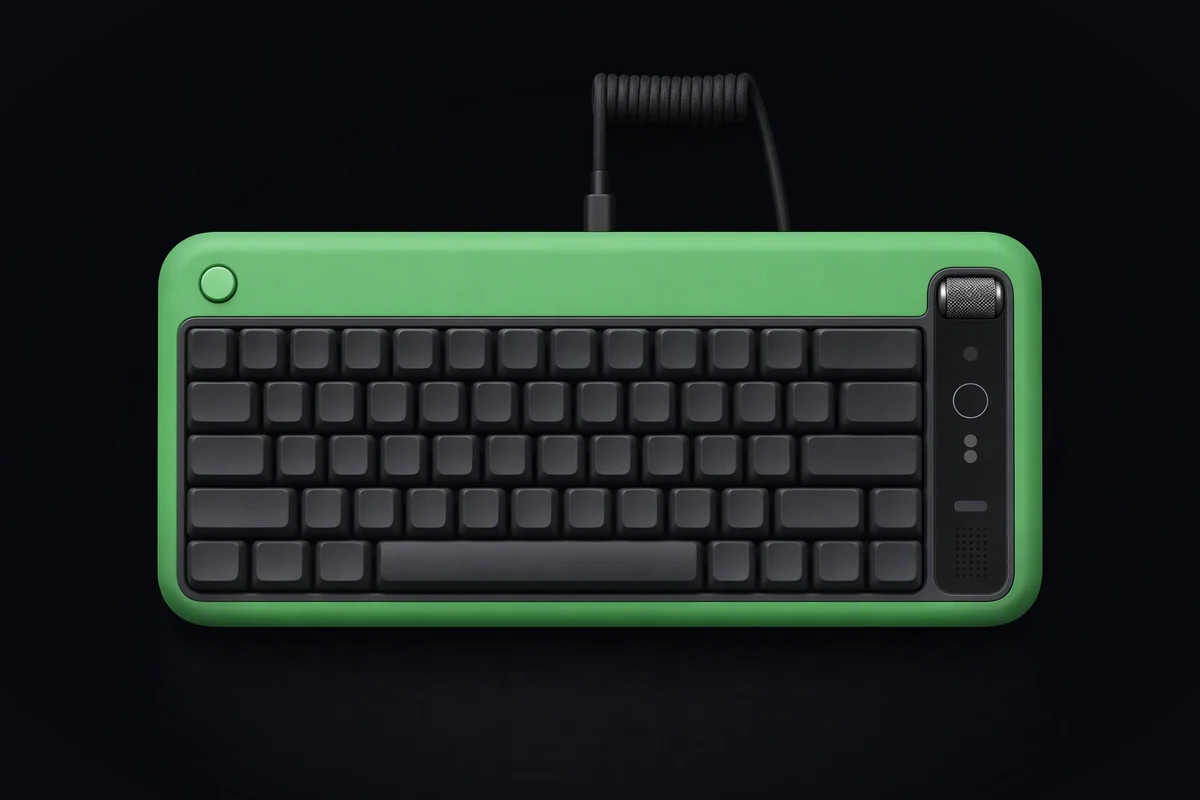
You install a fresh Linux on a new machine on Friday evening. By Sunday night you have chosen a launcher, a status bar, a terminal, a font, a colour scheme, a notification daemon, a firewall front end and a way to take screenshots. It looks good. It is unmistakably yours. On Monday the second machine arrives, and you realise you cannot rebuild any of it without the first one open beside you.
That weekend is the toolkit model working as designed. A general-purpose distribution hands you parts and trusts you to assemble them, and for a hobby that is half the fun. For a system that an assistant and a swarm of agents will run on every day, it is a cost that keeps arriving.
The real cause
Toolkit systems treat every decision as yours because they cannot know what you want. That is a reasonable stance for a project that serves everyone. It also means nothing can be assumed: not where a setting lives, not which key opens what, not what a command prints. People pay for that with time. An assistant pays for it with guesses.
What a system without opinions costs
The first week goes on setup. Time spent choosing between equivalent components is time not spent on the work you installed the system for.
Every machine is a one-off. Two installs a month apart drift apart, and the notes you kept never quite match. Help from anyone else starts with “what are you running?”
The assistant cannot rely on anything. When KyberBot wants to open a file, change a setting or show you what an agent did, it needs to know where things are and how they behave. On a system that every user has assembled differently, it either guesses or asks you things it should already know.
Mouse-shaped work is invisible work. Clicks leave no trace that can be read back, repeated or reviewed. A command can be read before it runs, logged after it runs and run again on the next machine.
Security becomes a choice you have to make. Firewall, disk encryption, update policy and sandboxing are options in a toolkit system, and options left at their defaults are rarely the safe ones.
Opinions, written down
The alternative is a system that has made those decisions already, made them well, and written them down where you can change them. That is the spirit of KyberLinux: fun to use rather than a kit to assemble, with defaults good enough that most people keep them.
One command to install. A profile and an installer, and the machine comes up finished: desktop, terminal, key bindings, encryption, firewall and updates configured. The install command on our homepage is illustrative; the point is that it should be one line.
Keyboard first. The things you do all day sit under two keys. In our planned defaults,
super + space opens the launcher, super + a talks to KyberBot and super + enter opens a
terminal. Everything the mouse can do stays possible; nothing important depends on it.
Commands mirror the keys. Each promise the system makes has a lowercase command:
kyber update, kyber rollback, kyber cell ls. What you can do with a key, you can do in a
script, and what KyberBot proposes to do is a command you can read before you say yes. An
assistant that knows you best should
also be one whose actions you can read.
Beautiful defaults. One palette, one typeface, one consistent look across the desktop, the terminal and the tools. Design is not decoration here; it is what makes a system pleasant enough to live in for years.
Every setting is a file. Opinions are only acceptable if you can overrule them. Each default lives in a plain file under version control, so a change is deliberate, reviewable and portable to the next machine.
This matters most where screens are smallest and keyboards most precious. A cyberdeck built in a weekend has no room for a mouse and no patience for a desktop that needs one.
What opinions cost
Some people will disagree with the defaults, and some of them will be right. A system with taste does not chase every preference; it makes the common case excellent and the uncommon case possible. If you want to choose every component yourself, a general-purpose distribution is the better tool, and our homepage says so plainly.
The bindings and commands above are planned defaults. KyberLinux is pre-launch, and none of it can be installed today.
A test you can run today
Two checks, on whatever system you use now.
First, count. Write down every decision you made after your last install before the machine was ready for real work: each component chosen, each setting changed, each tool added. If the list runs past one page, your system is a kit.
Second, rebuild. Take a spare machine or a virtual one and try to reproduce your setup from your notes alone, without looking at the original. Time it. Then note how much of what you did was a click you could not have written down as a command. That part of your system is the part that neither you nor an assistant can repeat.
- keyboard-first
- defaults
- desktop
- KyberBot