KyberLinux on hardware you already own
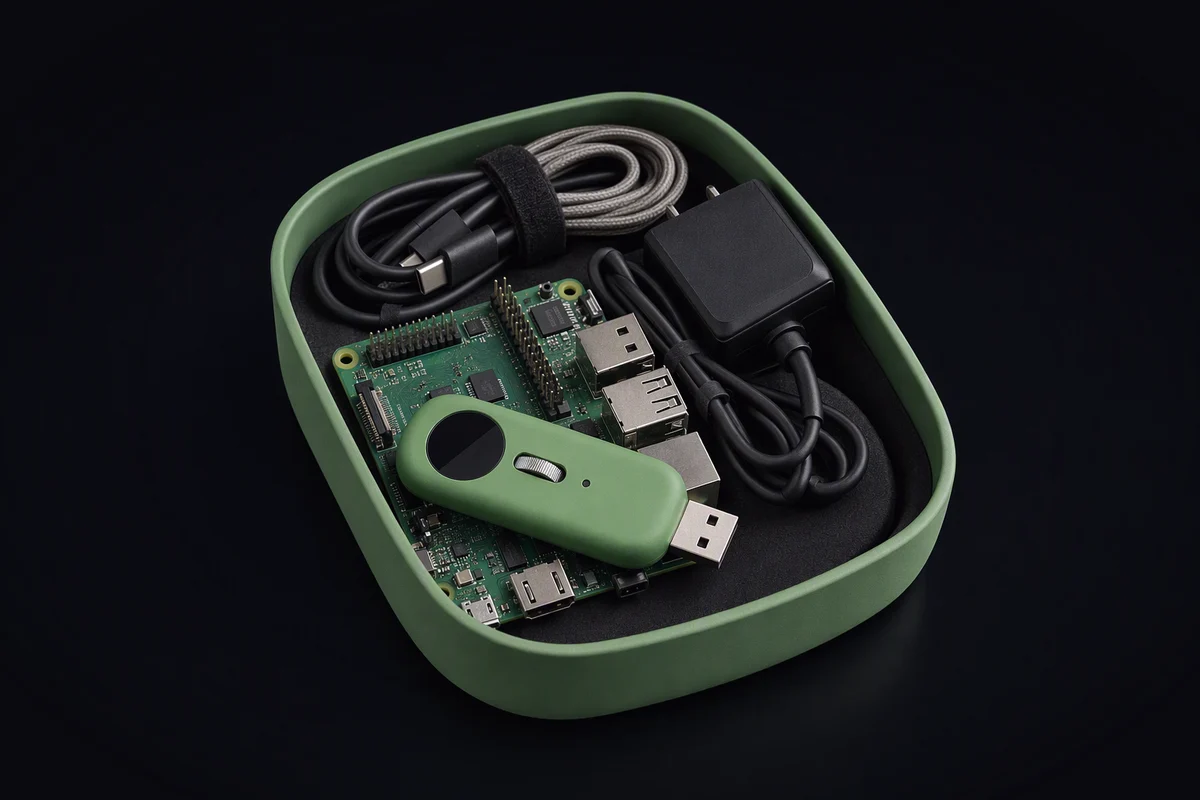
Most people who want a private assistant already own the hardware to start one. A single-board computer bought for a project that never happened. A mini PC retired from a desk. A laptop whose battery gave up long before its processor did. They sit in a drawer, and the assistant you actually use lives in someone else’s data centre, because that is the path with a button on it.
The real cause
The hardware is rarely what stops it. For a good share of personal SI work, keeping memory, running small models and coordinating a few agents, a modest board is enough. What stops it is the system. Turning a random board into something secure, updatable and ready to run models is a project, and projects that need weekly attention end up back in the drawer.
Why old hardware goes back in the drawer
Boot and drivers. Every board boots differently, and getting a general distribution onto one often means an unofficial image from a forum, with a kernel nobody will ever update.
No update story. It works on the day you set it up. Six months later it is running six-month-old software, because updating risks breaking it and there is no way back if it does.
Security left as an exercise. Default passwords, a writable root, every service listening on the network. Fine for a weekend experiment; not fine for the machine that holds your assistant’s memory.
Power and heat. A fanless box in a cupboard slows down under sustained work, and a system with a dozen background services spends its thermal budget on things you never asked for.
Models that nearly fit. Memory is the real limit on small hardware. A model that nearly fits runs far slower than one that fits, and a general system gives you no help telling the two apart.
What KyberLinux is designed to do about it
KyberLinux is meant to make an old board a sensible place for an assistant to live, rather than an evening of tinkering that slowly decays.
Profiles per device class. The same base, with a profile for a home node, one for a terminal with a screen and one for a cloud node. You choose what the board is for; the profile decides what goes into the image.
A public image definition. Supporting a new board is a change to a public file that anyone can review, not a request to a vendor. A board we have not thought of is a fork, not a dead end.
Verified boot where the hardware allows it. Some boards have a hardware root of trust; many do not. On those that do, the system checks every stage it starts. On those that do not, it says so plainly in its own status, instead of implying a guarantee it cannot give.
Atomic updates. A whole image to a second slot, a switch at reboot and an automatic return to the previous one if the board does not come up healthy. That is what makes a machine in a cupboard safe to leave alone.
Models sized to the device. The system should tell you what a model costs to keep resident, so you can pick one that fits and hand the rest to somewhere bigger.
Where that somewhere is matters. A board on a shelf can play the role of the KyberDeck home node: the long memory, the bridge between your devices, the jobs that are too personal for anyone else’s server. Later, if you want to, it could also lend spare capacity to KyberFusion for tokens, which are a unit of settlement for compute and nothing more. This is not an offer, and the option stays off unless you turn it on. And if you would rather build something you carry, the cyberdeck route starts from the same system.
The honest limits
KyberLinux is pre-launch. There is nothing to install today, and no board has been tested or certified. Our plan starts with ARM single-board computers and x86 mini PCs, because that is what most drawers contain, but a plan is not a compatibility list, and no hardware maker is a partner.
Old hardware also stays old. Firmware that no longer gets security fixes is a hole no operating system can close from above, and a board without enough memory will not run the models you want, however lean the system around them.
A test you can run today
Take the machine out of the drawer and write down five things:
- Memory. How much, and can it be expanded? This decides which models it can hold.
- Storage. Is there room for two full system images and a data area? Atomic updates need both slots.
- Root of trust. Does the board support secure boot, or carry a security chip? Check the maker’s documentation, not a forum thread.
- Firmware. When did it last get an update, and does the maker still publish them?
- Idle power. If you have a plug-in power meter, measure what it draws while doing nothing for ten minutes. That is what leaving it on will cost you.
If memory and storage are enough and the firmware is still maintained, the board can be a node. If the firmware has been abandoned, it can still be a terminal for things that matter less. If neither holds, the drawer was the right place after all.
- single-board computers
- self-hosting
- power
- KyberDeck